
After the shift
Access on their schedule.
A healthcare worker collects medication after the pharmacy counter has closed.
KioskThe Pharmacy-to-Patient Platform
iLocal connects the technology, workflows and patient experiences behind modern pharmacy fulfillment—from Kiosk and Counter to Curbside, Bedside and Courier.
01The opportunity
The challenge is no longer just dispensing. It’s coordinating everything between the pharmacy and the patient.
02The connecting layer
From the systems in your pharmacy to the moment medication changes hands. iLocal connects the journey.
03Five fulfillment experiences
Built for the way patients live—and the way pharmacies work.
01 / 05Kiosk
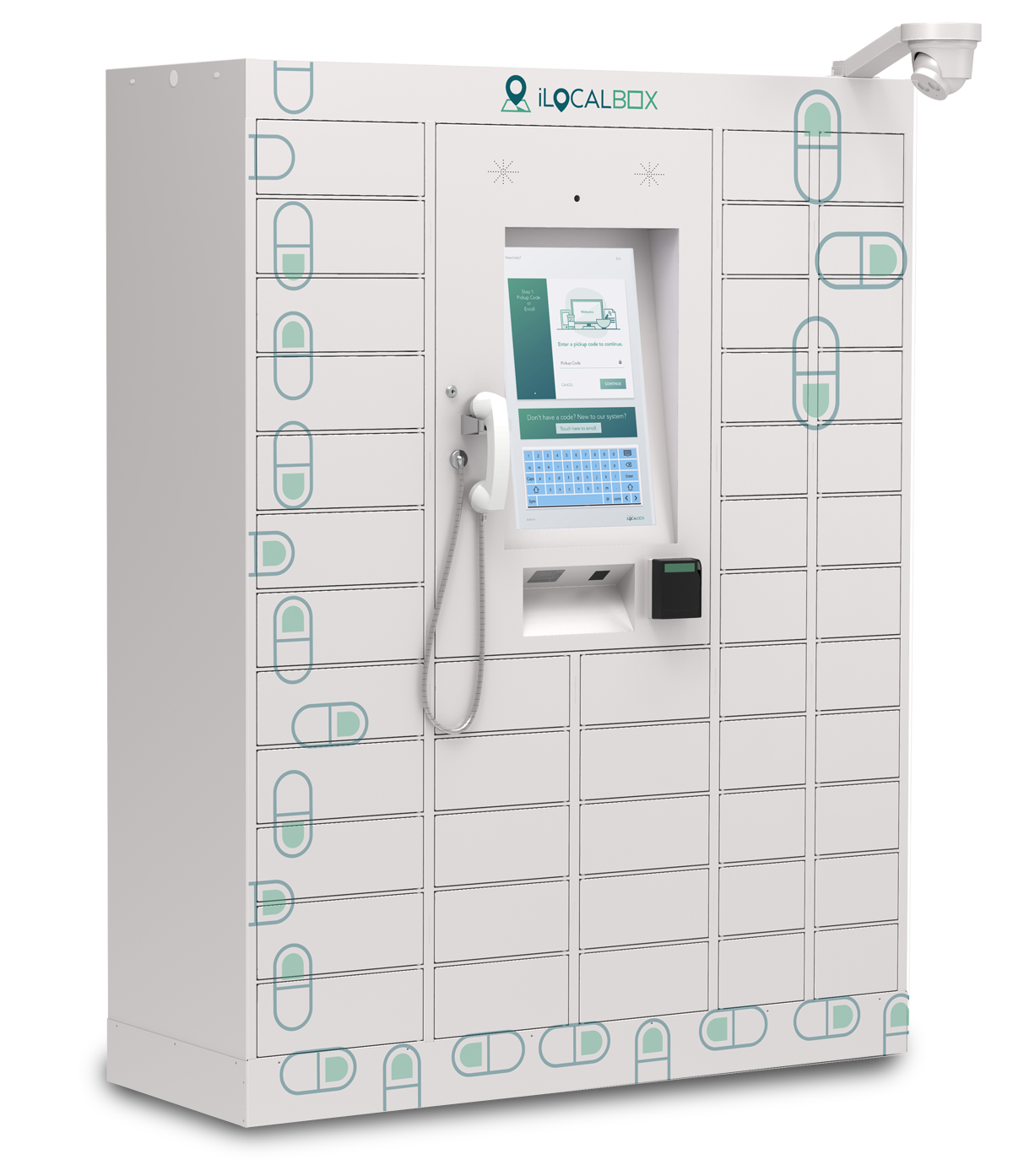
Bring pharmacy pickup into the rhythm of everyday life. Secure self-service hardware connects patients to the steps they need, even beyond counter hours.
Explore KioskAuthentic iLocal hardware02 / 05Counter
Let patients prepare before they arrive. Connect payment, signatures and arrival with a staffed handoff—and keep the pharmacist part of the conversation.
Explore Counter03 / 05Curbside
A patient shares their arrival and vehicle details. Pharmacy staff see where to meet them, verify the order and bring medication to the car.
Explore Curbside04 / 05Bedside / Meds-to-Beds
Connect preparation in the pharmacy to delivery at the hospital room. Give the care team a coordinated path from ready to handed over.
Explore Bedside05 / 05Courier
Keep local delivery connected to the pharmacy. Coordinate handoffs, maintain custody visibility and communicate with patients along the way.
Explore Courier04The patient experience
Thoughtful steps. Connected handoffs. Choose the building blocks that fit your patients, locations and fulfillment methods.
A timely message connects the patient to the pharmacy and the next steps for their order.
Your order is ready for the next step. See the details from your pharmacy.
Illustrative patient experience
Configured steps, not a fixed script.
Sequence and availability vary by pharmacy.
A timely message connects the patient to the pharmacy and the next steps for their order.
Configured identity checks help connect the right patient with the right order.
When payment is required, patients can complete it as part of their configured experience.
Collect required acknowledgments and signatures as part of the patient’s journey.
Connect with a pharmacist when consultation is required or available in the pharmacy’s workflow.
A pickup code, arrival message or delivery handoff connects the digital preparation to the physical moment.
Close the loop with confirmation and receipts where configured.
05The pharmacy workflow
iLocal works alongside the systems and routines your team already trusts, connecting daily operations to every patient fulfillment experience.
Connect an order to its fulfillment path and location.
Match the physical order to the right storage and workflow.
Coordinate the patient steps, verification and release.
Record completion and connect fulfillment activity back to the pharmacy.
06iLocal Cloud
Browser-based management for the people who run pharmacy fulfillment—configure workflows, follow fulfillment, watch device health and report across locations. Nothing to install at the desk.
Follow fulfillment status across every supported path and site.
A step-by-step record from assignment to handoff.
Device health, hardware signals and temperature where supported.
Review fulfillment activity and reconciliation across locations.
Choose the steps and messages for each site and path.
Fulfillment path selected
Pharmacy verification recorded
Stocking and custody recorded
Patient preparation begins
Collection or delivery recorded
Completed activity available for review
Fulfillment activity / illustrative report
Example report structure. No live records or numerical metrics are shown.
Choose steps by location and fulfillment method. Availability depends on the pharmacy’s configuration.
Conceptual views show platform capabilities, not live data or a replica of the production application. No patient or prescription information is shown.
07Hardware, as part of the platform
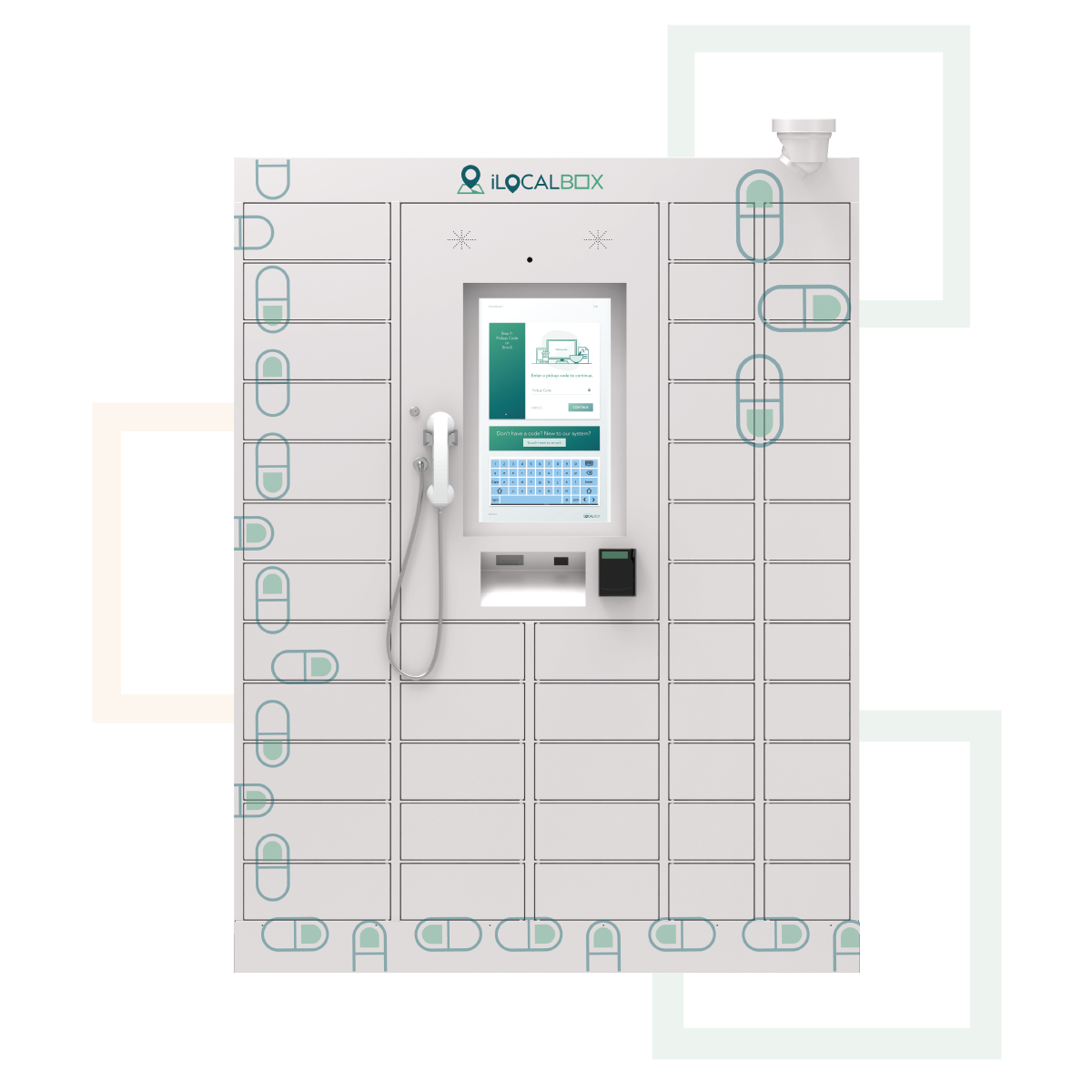
One main unit. A configuration shaped around your pharmacy. Explore authentic hardware as one part of the connected iLocal platform.
The starting point: a patient interface and secure pickup compartments in one main unit.
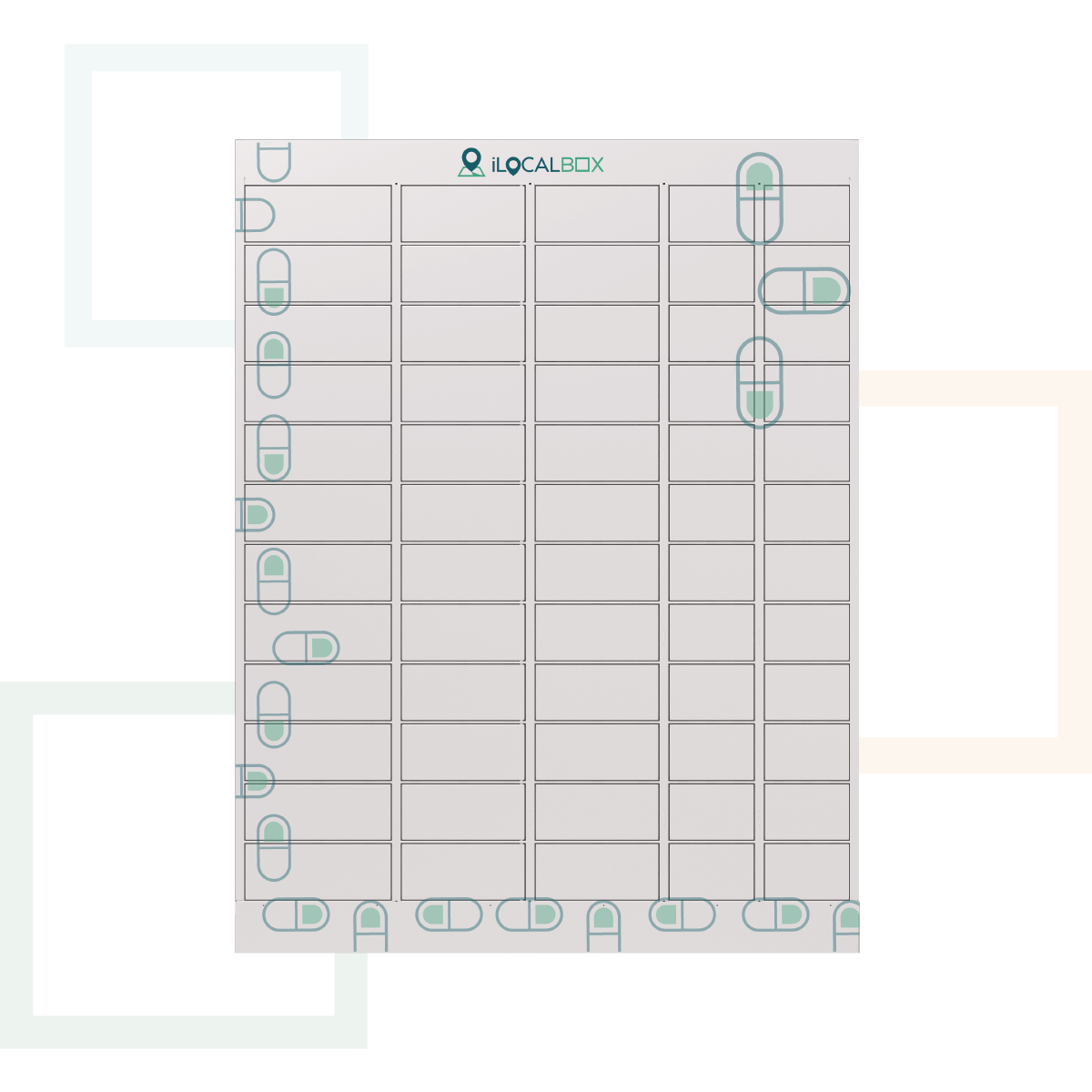
Main Unit selectedIllustrative configuration. Modules are shown individually, not to scale. Final layout, compatibility and availability are confirmed with iLocal.
Explore additional capacity alongside the main unit as the needs of the site evolve.
Plan storage around the pharmacy’s packaging and compartment requirements.
Include temperature-controlled storage and visibility where supported.
Discuss pharmacy identity and presentation as part of site planning.
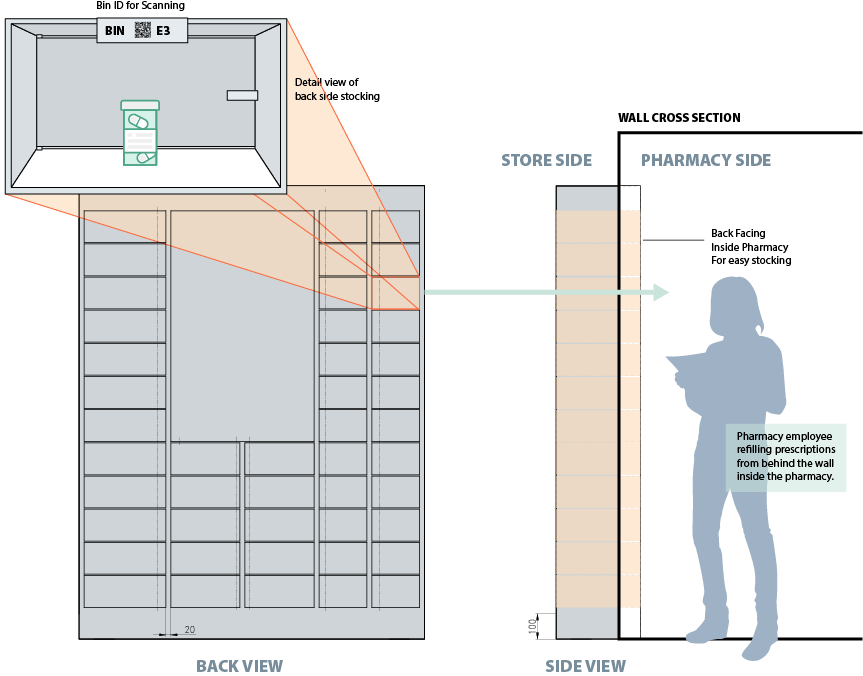
Installation flexibility
Through-wall installations let technicians scan and load from inside the pharmacy, keeping medication within pharmacy control while patients collect on the store side.
Diagram from legacy materials · to be redrawn in the iLocal system
Through-wall installation details are pending confirmation. Current availability and site compatibility must be reviewed with iLocal.
08Who we serve
Illustrative setting · configured with the pharmacy
Connect outpatient, discharge and employee pharmacy experiences. Coordinate the handoff from the pharmacy to the hospital room, pickup location or patient.
Illustrative setting · configured with the pharmacy
Coordinate fulfillment across locations, with visibility for staff and configurable experiences for patients. Bring pickup and delivery into one platform.
Illustrative setting · configured with the pharmacy
Extend access and capability without building another pharmacy location. Give patients more ways to connect with the pharmacy they know.
Illustrative setting · configured with the pharmacy
Bring prescription access closer to where people work, through a connected pharmacy and a pickup experience configured for the organization.
09In everyday life
From the pharmacy to the hospital room. Connect patient preparation, runner collection and the final handoff.
Explore the experience Around everyday lifeOffer a pickup option that fits life beyond counter hours, configured for the needs of the site and its patients.
Explore the experience More ways to connectCoordinate the route that works for each patient, from a staffed counter or curbside handoff to delivery.
Explore the experience10Enterprise readiness
Built to support the people, processes and controls behind pharmacy fulfillment.
Configure access, locations and patient steps around your pharmacy’s operation.
Follow fulfillment activity and monitor connected devices from one platform.
Support verification, custody records and reporting across the handoff.
Connect identity controls with secure, encrypted patient workflows.
Let’s connect
See how iLocal can extend medication access, coordinate fulfillment and connect every patient handoff.